In hospitality, the menu isn’t a fixed document—it’s a moving target. Specials rotate, items run out, prices shift, and descriptions need clarity. When every small change requires reprinting or juggling multiple files, teams start living with “almost correct.” That’s where a QR menu becomes more than a digital link: it becomes a workflow.
With a proper menu editor, you can adjust categories and items whenever you need—cleanly and without friction. Rearranging the flow is just as important as editing the content, and drag & drop sorting keeps the menu intuitive for guests. The goal is simple: fewer questions during service and fewer mistakes caused by outdated information.
Most venues already have a PDF menu, which is great for sharing but frustrating for daily edits. AI-driven PDF import solves that gap by turning existing content into an editable structure where categories, items, and prices can be carried over and refined—without retyping everything from scratch.
Presentation matters too. Guests read “quality” in the details: layout, readability, and consistency with your brand. With premium themes and options like adding a logo and slogan, the menu can look like it belongs to your venue, not like a generic template.
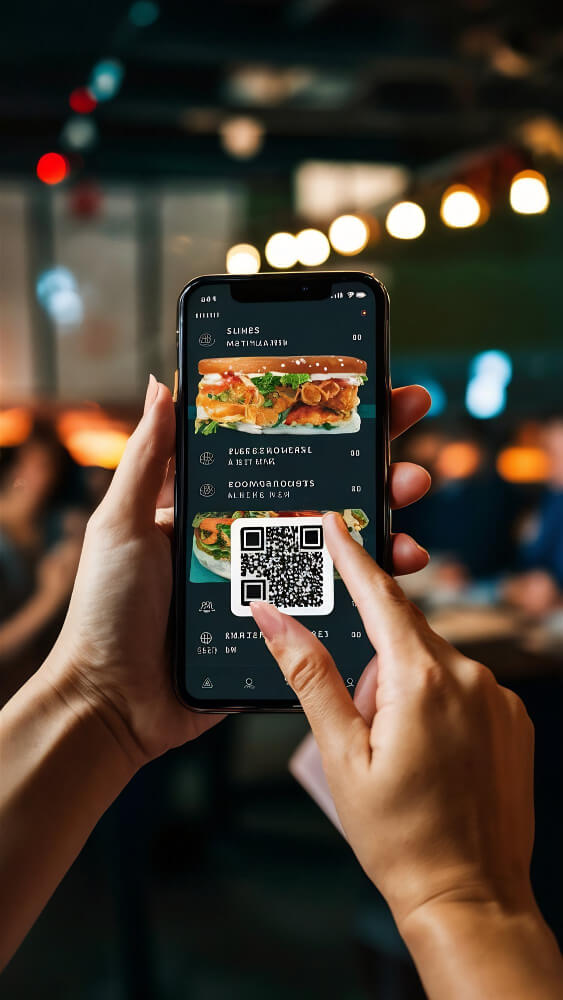
On the guest side, the experience should be effortless: scan the QR code, open the menu in the browser, no app required. Offer language switching (DE, EN, FR, IT), show prices in the right currency (CHF, EUR, USD), and let guests build a favorites list with a total—especially useful for groups.
When you’re ready to share, the distribution is straightforward: download the QR code, use a direct menu link, or embed it on your website. And if you still need a PDF version for certain situations, exporting remains available, including documentation options when required.
The best part isn’t “going digital.” It’s replacing menu chaos with something calm, editable, and reliable—every single day.
With a proper menu editor, you can adjust categories and items whenever you need—cleanly and without friction. Rearranging the flow is just as important as editing the content, and drag & drop sorting keeps the menu intuitive for guests. The goal is simple: fewer questions during service and fewer mistakes caused by outdated information.
Most venues already have a PDF menu, which is great for sharing but frustrating for daily edits. AI-driven PDF import solves that gap by turning existing content into an editable structure where categories, items, and prices can be carried over and refined—without retyping everything from scratch.
Presentation matters too. Guests read “quality” in the details: layout, readability, and consistency with your brand. With premium themes and options like adding a logo and slogan, the menu can look like it belongs to your venue, not like a generic template.
On the guest side, the experience should be effortless: scan the QR code, open the menu in the browser, no app required. Offer language switching (DE, EN, FR, IT), show prices in the right currency (CHF, EUR, USD), and let guests build a favorites list with a total—especially useful for groups.
When you’re ready to share, the distribution is straightforward: download the QR code, use a direct menu link, or embed it on your website. And if you still need a PDF version for certain situations, exporting remains available, including documentation options when required.
The best part isn’t “going digital.” It’s replacing menu chaos with something calm, editable, and reliable—every single day.