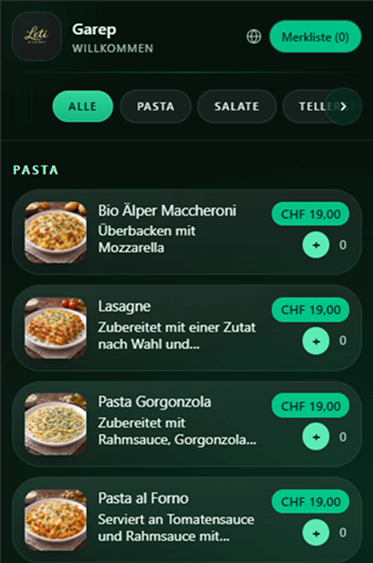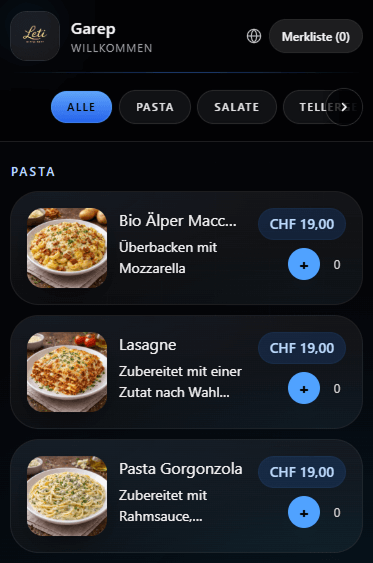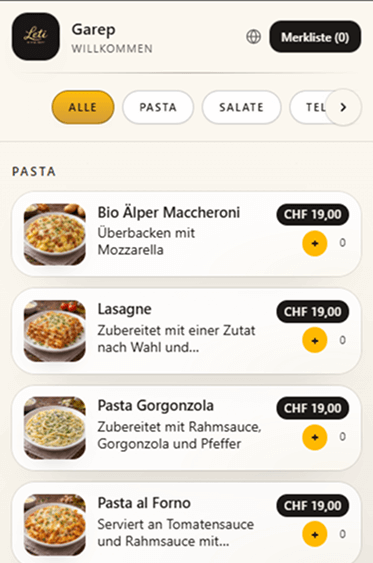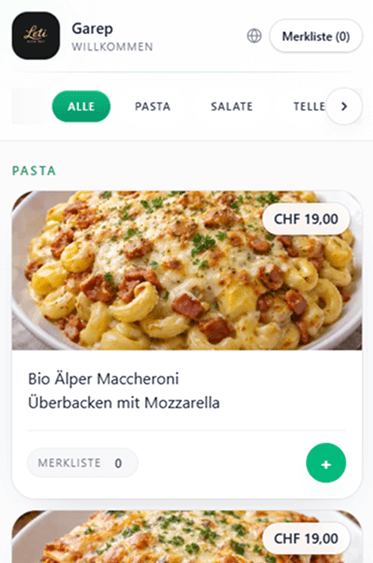
Lux
Template Preview
Import your existing PDF menu with AI. Categories, items and prices are automatically detected and structured in the editor — then you can edit, sort and publish instantly via QR code for guests.
For restaurants, cafés and bars • Mobile optimized • No app download for guests
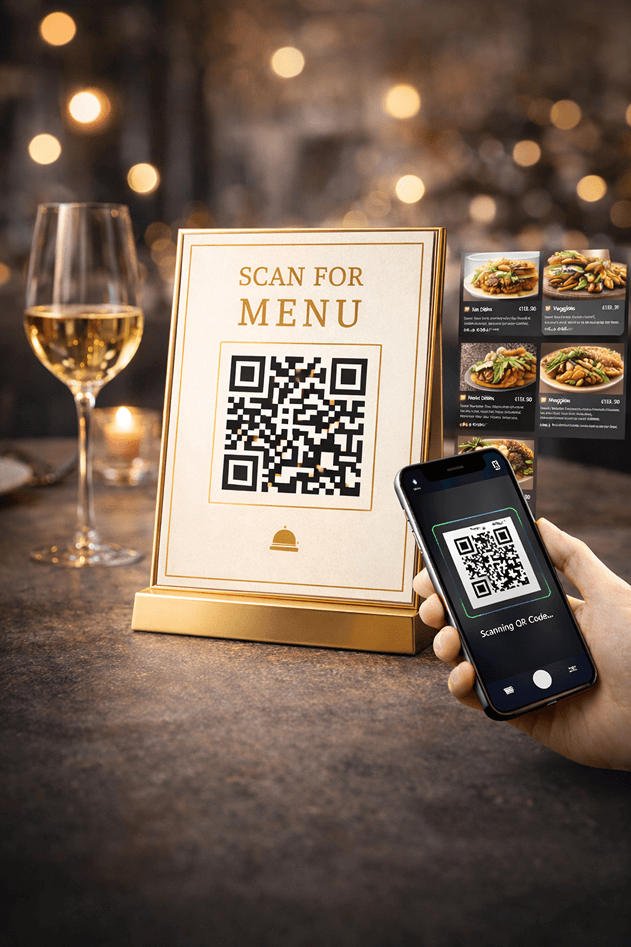
QR Restaurant Menu is an SEO- and mobile-friendly SaaS solution for modern hospitality businesses. Guests scan a QR code and open the menu directly on their smartphone. Restaurant owners manage menu structure, categories, items, prices, currencies, languages, design and branding centrally in the dashboard — without reprinting and without technical effort.
Update your digital menu in seconds instead of printing new menu cards
Central management of categories, items, prices and order with drag & drop
Premium appearance with 5 themes, your own logo, slogan and embeddable menu link
AI Menu Import
Upload your existing PDF menu. The AI detects categories, item names and prices and turns them into an editable menu structure in table format. This saves time when switching to a digital menu.
Important for Daily Operations
The import is only the beginning: afterwards, you can manually edit, extend and maintain everything permanently — ideal for seasonal menus, lunch menus or price changes.
Menu Editor
After the AI import (or even without import), you can edit your menu flexibly in the dashboard. Categories and items can be renamed, moved, sorted and extended — including prices and content changes.
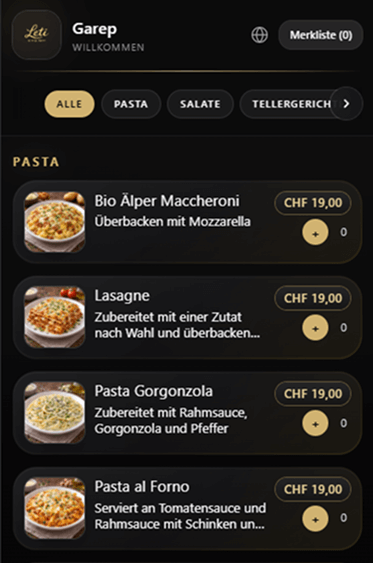
Choose the right design for your restaurant: Lux, Sable, Botanica, Noir or Ivory. All templates are mobile-optimized and present your menu in a premium way on your guests’ smartphones.
Multilingual Menu for International Guests
Supported menu languages: German, English, French and Italian. Languages are directly visible and selectable for guests on their smartphones.
Choose Currency
Choose one of three currencies for your menu: CHF, Euro (€) or US Dollar ($). Ideal for local restaurants, tourism regions and international target groups.
Branding with Logo and Slogan
Add your own logo and slogan so your digital menu perfectly matches your restaurant’s brand identity.
The digital QR menu improves both the guest experience and internal workflows. Guests find what they want faster — and owners save time on maintenance, updates and printing.
Use your menu flexibly online and offline: download the QR code, export the full PDF menu and integrate the menu link into your existing website.
QR Code Download
Download the QR code for tables, counter, flyers or outdoor areas and use it immediately.
PDF Menu Export
Download the complete menu as a PDF — helpful for printouts, archiving or internal approvals.
PDF Declaration
Optionally add a declaration to the PDF menu (e.g. notes, allergens, origin or legal information).
Website Integration
Integrate your digital menu link into your own website and guide guests directly to your online menu.
From an existing PDF menu to a live digital menu: getting started is fast and possible without complicated setup.
Step 1
Choose logo, slogan, language settings, currency and a design theme (Lux, Sable, Botanica, Noir or Ivory).
Step 2
Import a PDF with AI or create categories and items manually. Then edit content and sort everything with drag & drop.
Step 3
Publish the menu online, download the QR code, export the PDF menu and integrate the menu link into your website if needed.
Answers to common questions from restaurants, cafés and bars about setup, maintenance and use of the digital menu.
Yes. You can upload an existing PDF menu. The AI detects categories, items and prices and creates an editable structure in the dashboard.
Yes, completely. Categories, items, prices and sorting can be edited at any time. You can add, delete and reorder content via drag & drop.
Currently the menu supports German, English, French and Italian. Guests can switch the language directly on their smartphone.
You can choose between CHF, Euro (€) and US Dollar ($) depending on your restaurant’s location and target audience.
Yes. Guests can add dishes to a wishlist and see the total amount. This helps with selection and gives them a better overview of their planned order.
Yes. You can download the QR code for printing and also export the complete menu as a PDF.
Yes. You get a menu link that you can integrate into your existing restaurant website.
Ready for your digital menu?
Import your PDF menu, edit categories and items, choose design and currency, and publish your menu instantly for your guests.